Some companies want a phone system in the cloud, with no worries about servers. Others want full control: their own server, their own network and data that never leaves their infrastructure. Yeastar P-Series Software Edition is made for them – a complete business phone system in the form of software that you install on your own hardware or virtual server.
A complete UC platform on your server
P-Series Software Edition is not a “stripped-down” version of the phone system. On a single platform it combines voice and video calls, apps, collaboration and business integrations – everything the Yeastar phone system offers in the cloud or as a hardware appliance. The difference is where the system runs: on a server that you choose and manage.
That gives you three key things:
- savings – you use your existing infrastructure and don’t pay for equipment you already have,
- control – the phone system and data stay on your private, protected server,
- easy administration – the system is managed through a clear web interface, with no need for special expertise.
Simple, flexible and ready to grow
- Up to 10,000 users – add new users in minutes, with flexible licensing models.
- Easy management – the web interface and thoughtful design make everyday work easier for administrators and users.
- Everything included – full unified communications and web and mobile apps, with no add-on modules to pay for separately.
- An open system – works with the IP phones, gateways and SIP trunks of your choice.
On your own hardware or in a virtual environment
You can deploy Software Edition as a traditional solution on your own server in the office or as a virtual IP PBX – in the public cloud or in a local data centre. The software comes as a ready-made package for VMware, Hyper-V and KVM virtual machines, and the installation wizard takes you through the setup in just a few steps.
For small companies and large systems
Whether you have one office or several locations, communication stays unified, secure and reliable.
Several locations, one system
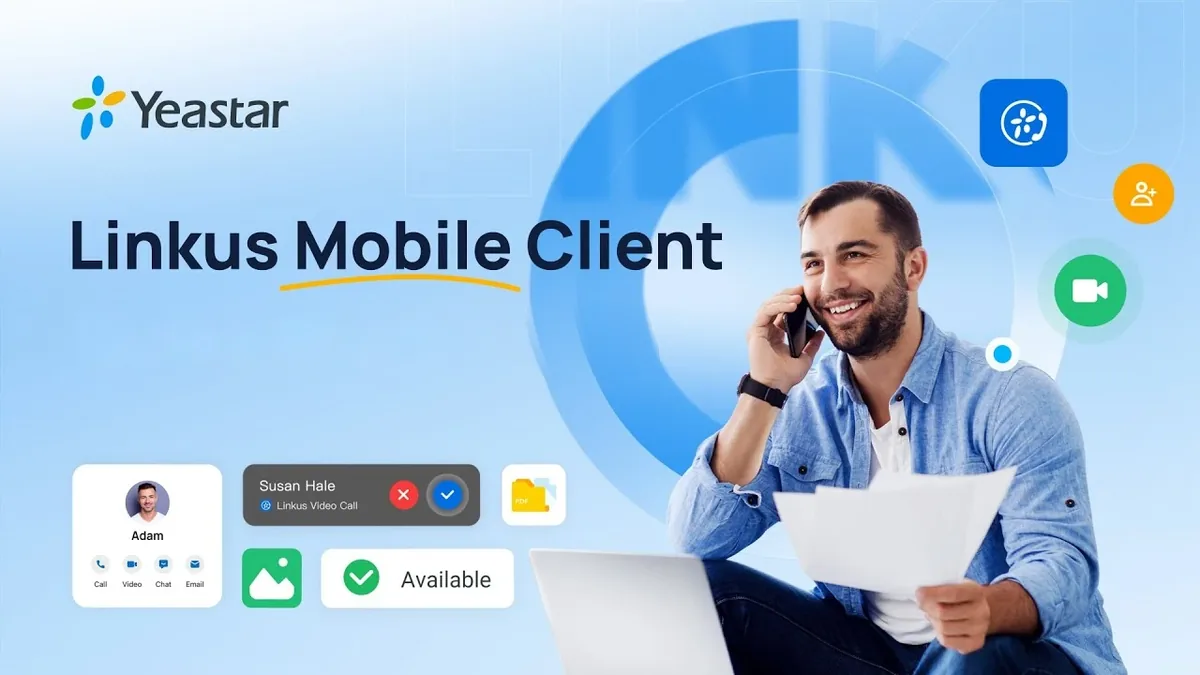
The built-in secure Remote Access Service and the Linkus UC app let employees work from the office, from home or in the field – always on the same business number, with a direct and private connection between locations.
Security, availability and regular updates
Security protections are built into the system itself, the phone system is designed for maximum uptime, and regular updates bring new features and security patches.
Plans to suit your company
Software Edition is available in two feature plans – Enterprise and Ultimate. Depending on the plan, along with the standard telephony and business features you also get:
- team chat, video calls and video conferencing,
- an inbound and outbound call centre and call notes,
- omnichannel messaging in one place,
- integrations with CRM and helpdesk systems, Microsoft 365 and Google account sign-in (SSO),
- text-to-speech, transcription and a call flow designer,
- call billing, archiving and Windows Active Directory integration,
- a hotel module with integration with the hotel PMS.
Software, hardware or cloud?
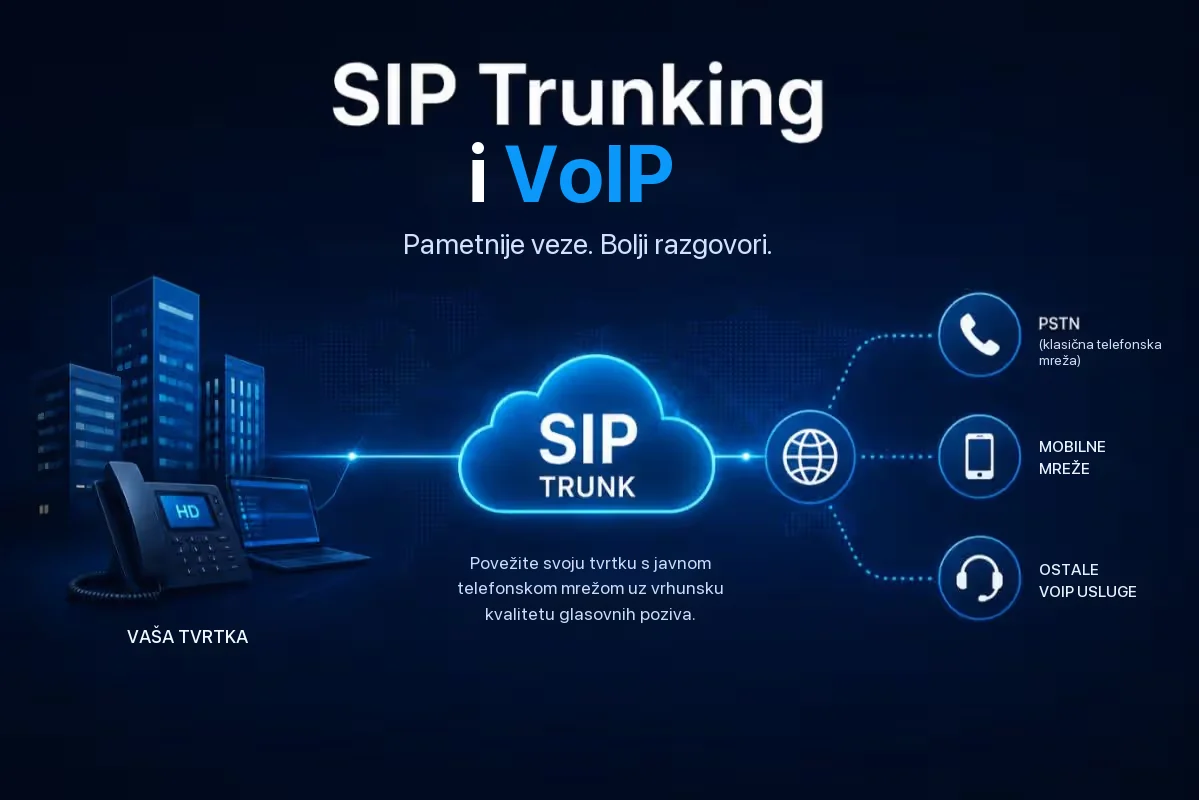
Yeastar P-Series comes in three editions: as a hardware device (Appliance), as software for your server (Software Edition) and as a cloud phone system (Cloud Edition). Software Edition is the right choice if you already have your own IT infrastructure and want full control over the system. If you don’t want to deal with servers, take a look at our Cloud_PBX, and to connect your own phone system to the public telephone network there is SIP Trunking.
Try it before you decide
Software Edition can be tried with a 30-day trial licence – with capacity for up to 100 extensions, 25 concurrent calls and access to all features, on your existing server or in the cloud. Get in touch and we will help you choose the right edition, set up a trial system and show you all the features on a demo phone system.